Step one
Document
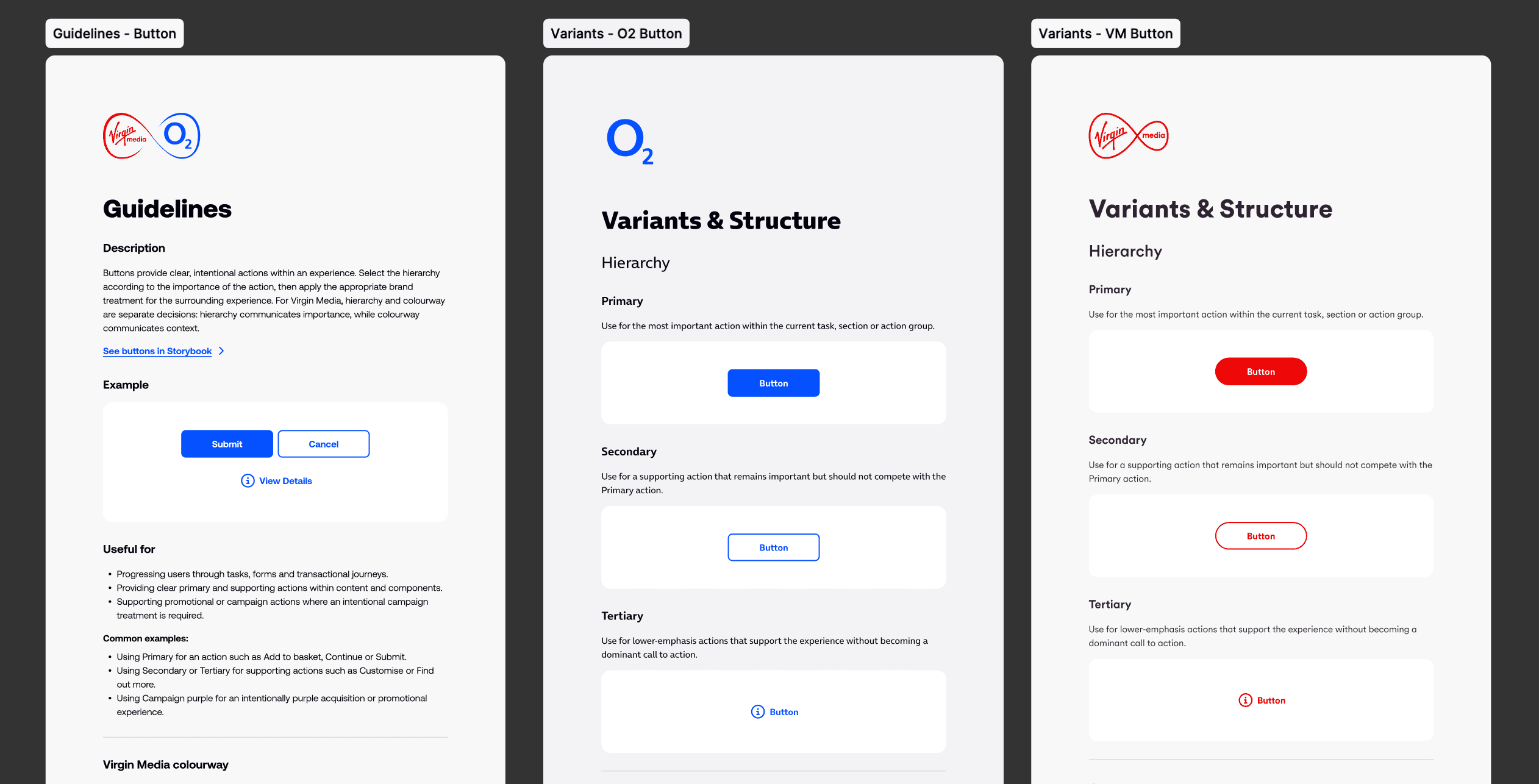
It starts in Figma, where usage, variants, behaviour and accessibility are documented alongside the component itself.
Case Study
Bringing design intent and development together
Role
Central Design System Lead
01 The Problem
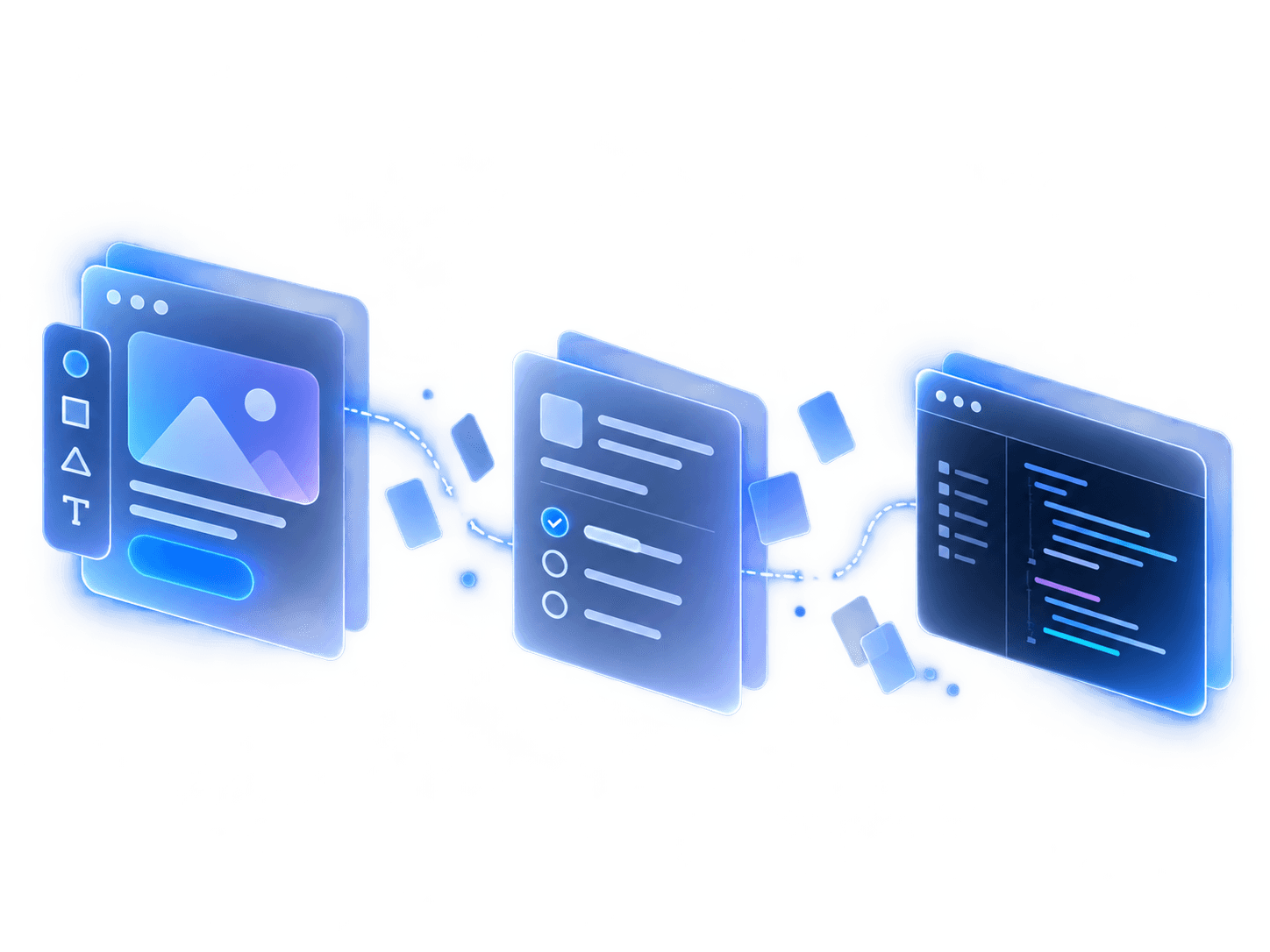
A component is more than how it looks in Figma. Its usage, variants, behaviour and accessibility are all part of the design. Without clear, shared guidance, those decisions can be difficult to translate consistently into code.
02 The Approach
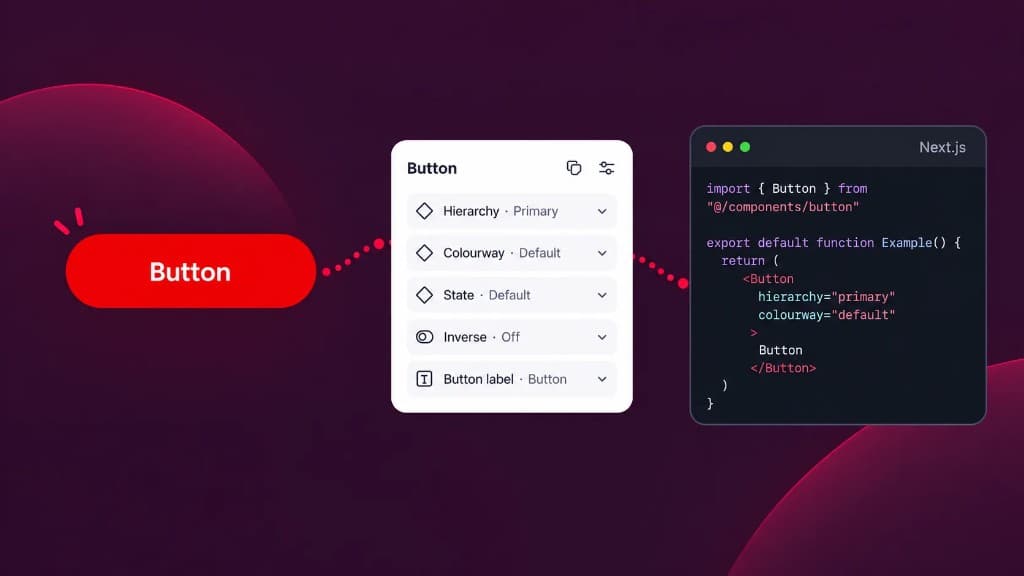
I wanted to take the guesswork out of the handoff, giving designers, developers and AI the same clear guidance from the first design decision through to the finished component.
Step one
It starts in Figma, where usage, variants, behaviour and accessibility are documented alongside the component itself.
Step two
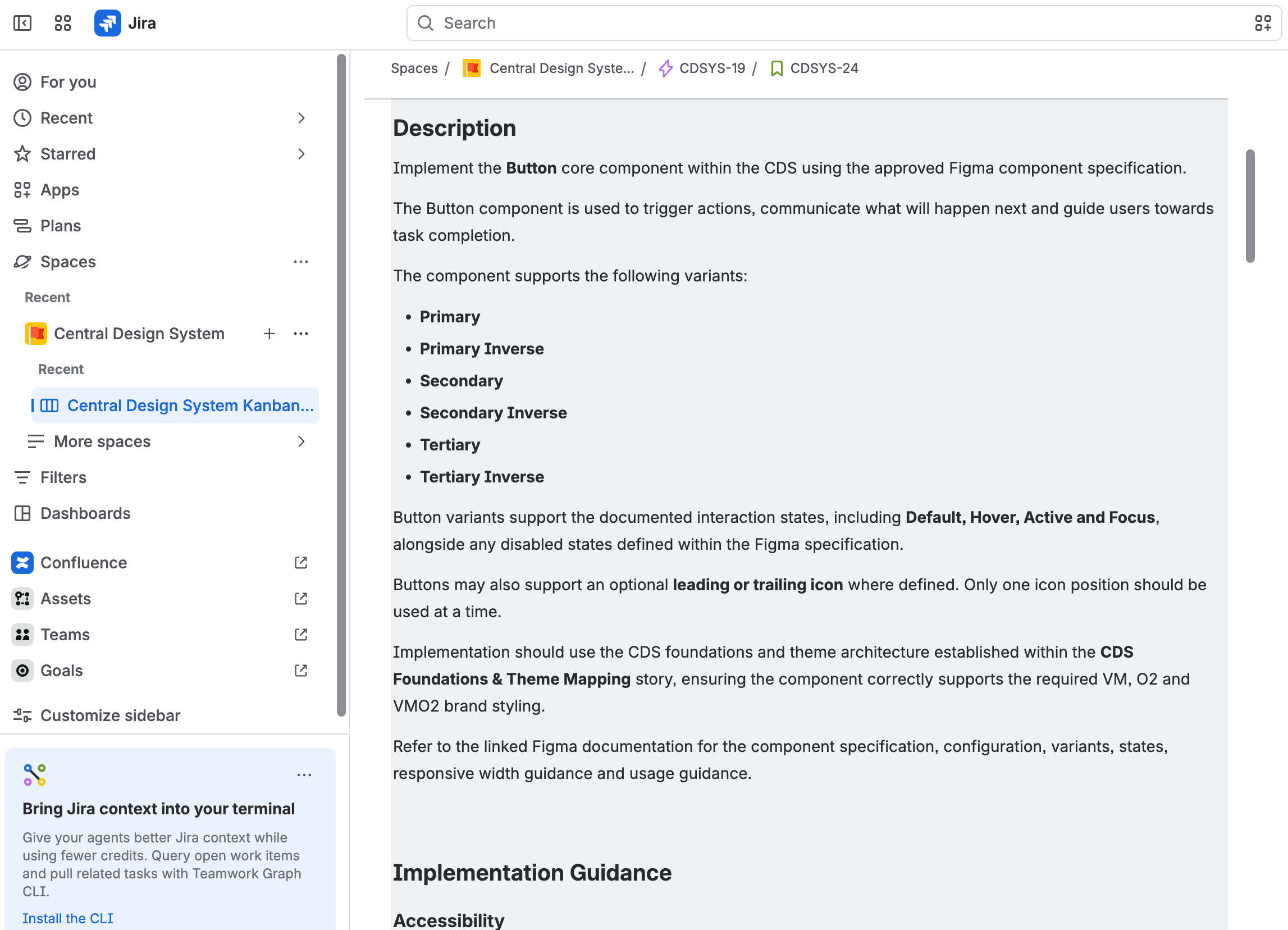
A Jira skill uses the linked Figma file to create the implementation guidance and acceptance criteria needed for development.
Step three
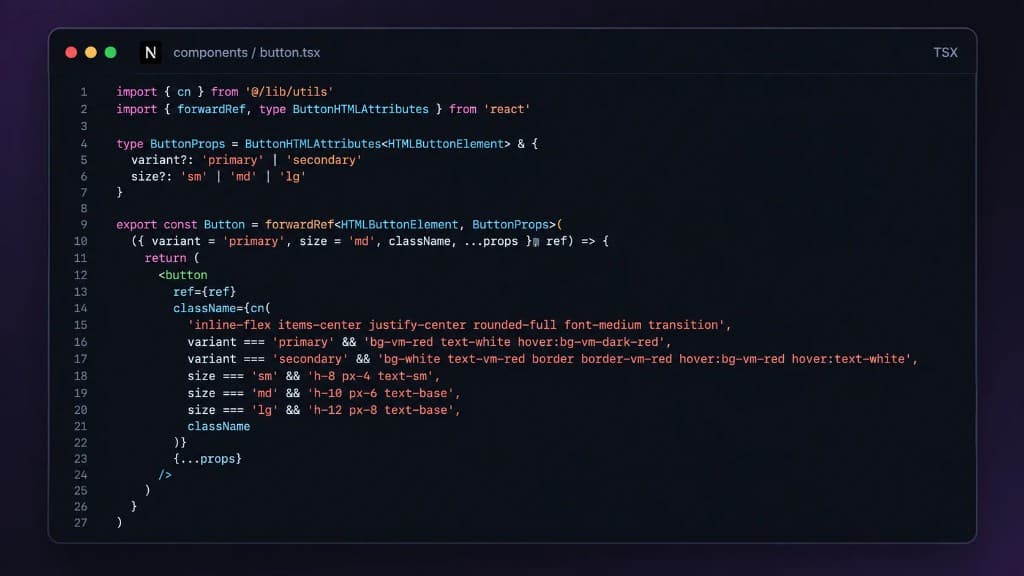
Cursor Cloud Agent takes the Jira specification and builds the component, using the design system guidance as its foundation.
Step four
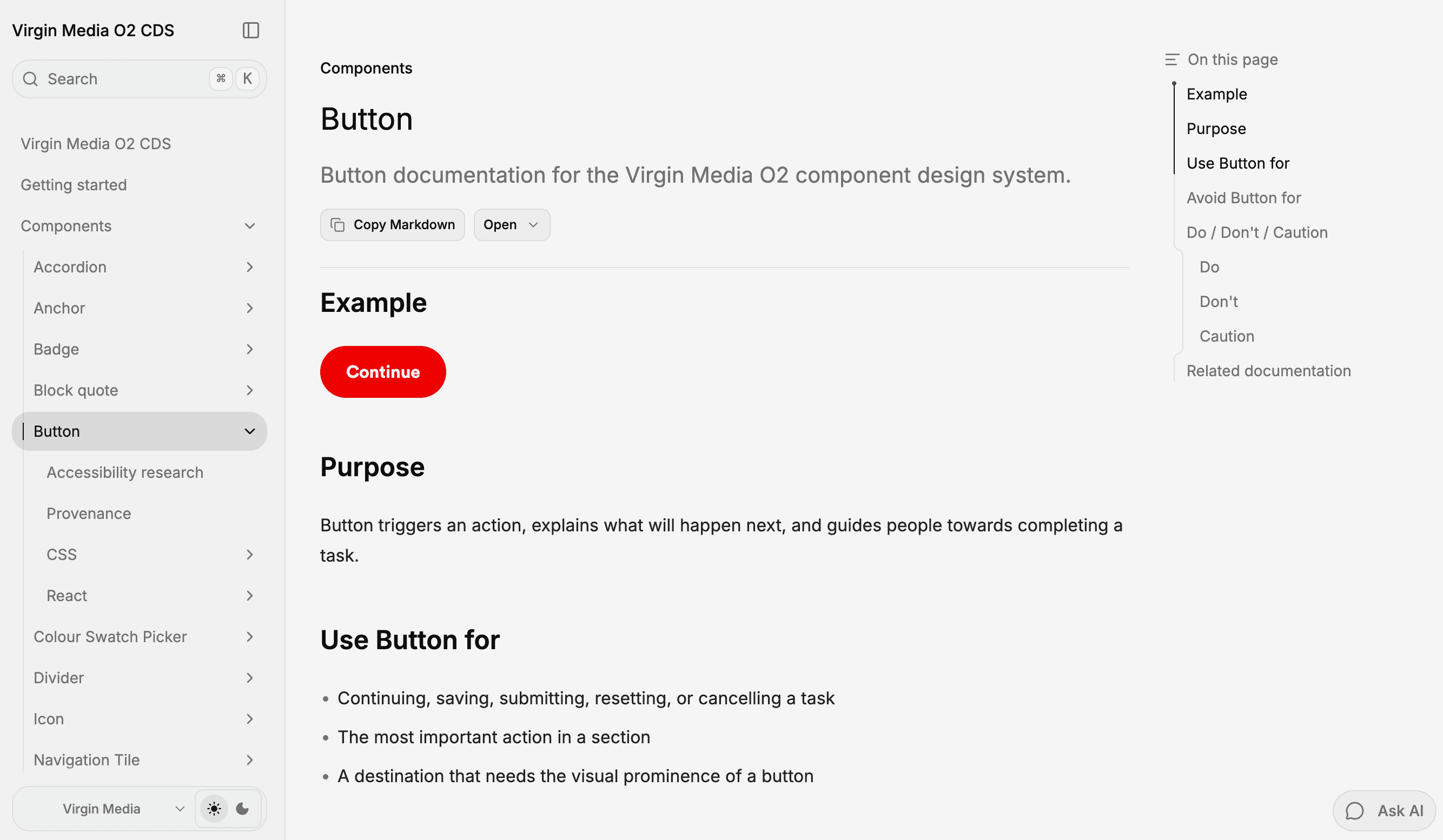
Fumadocs brings guidance, variants and code together, giving designers, developers and AI a shared source of truth.
03 The Outcome
With the right guidance in place, AI can work with the design system rather than around it. The result is a faster route from an idea to something teams can test, without losing consistency or control.

Turn ideas into coded, brand-consistent journeys that teams can test sooner.
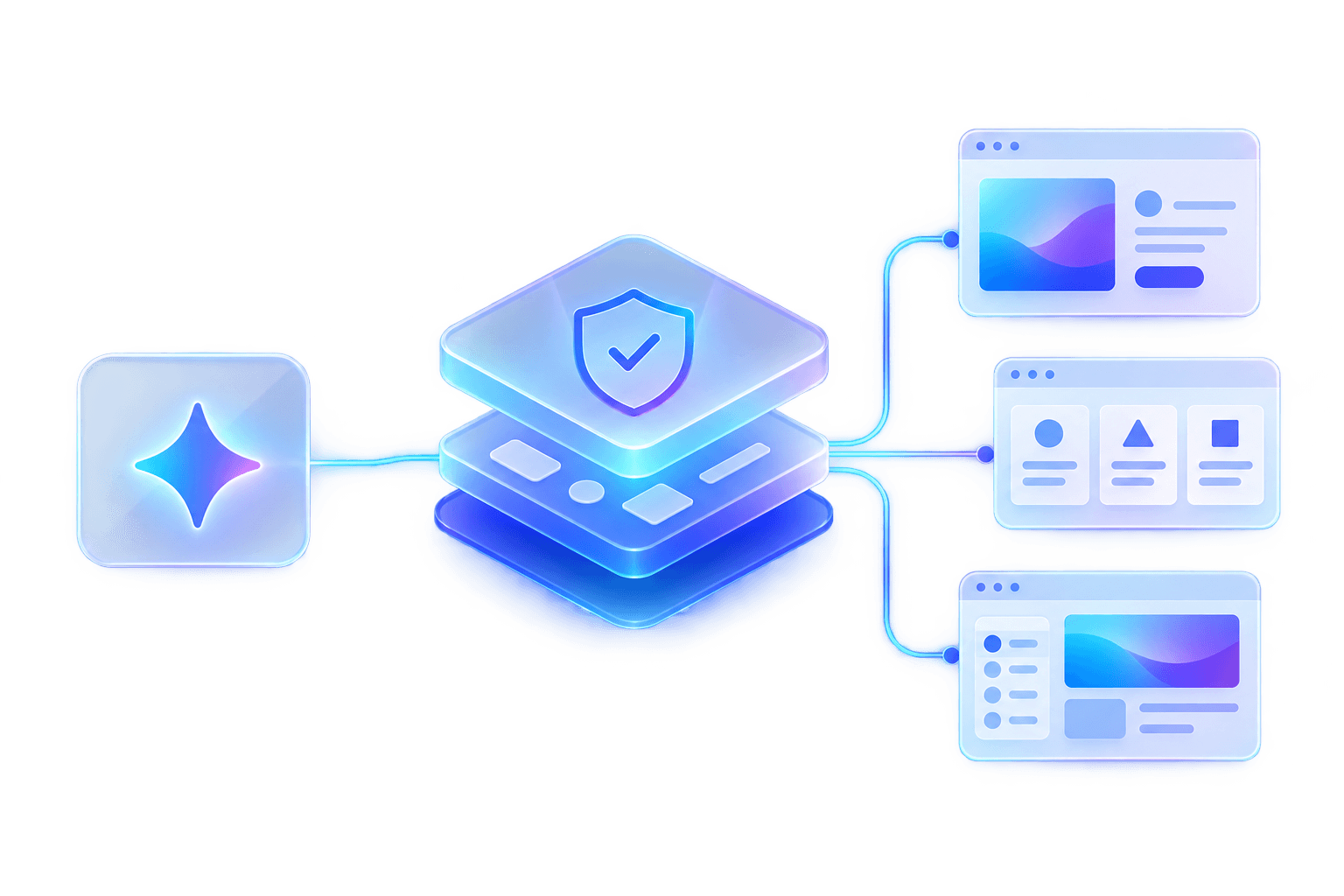
Keep AI grounded in documented components, accessibility and shared design guidance.
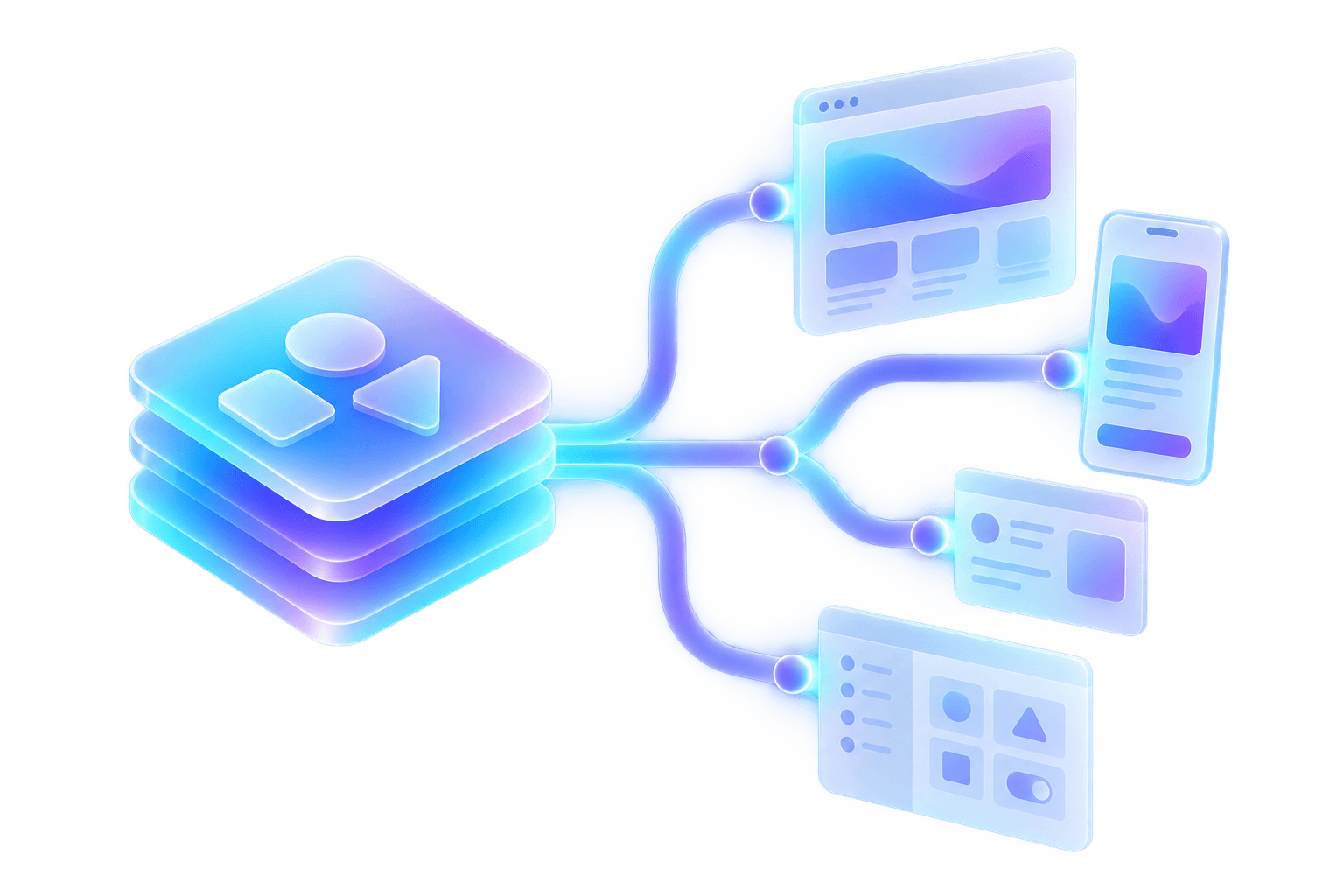
Reuse the same workflow across components, brands and teams, rather than starting from scratch.